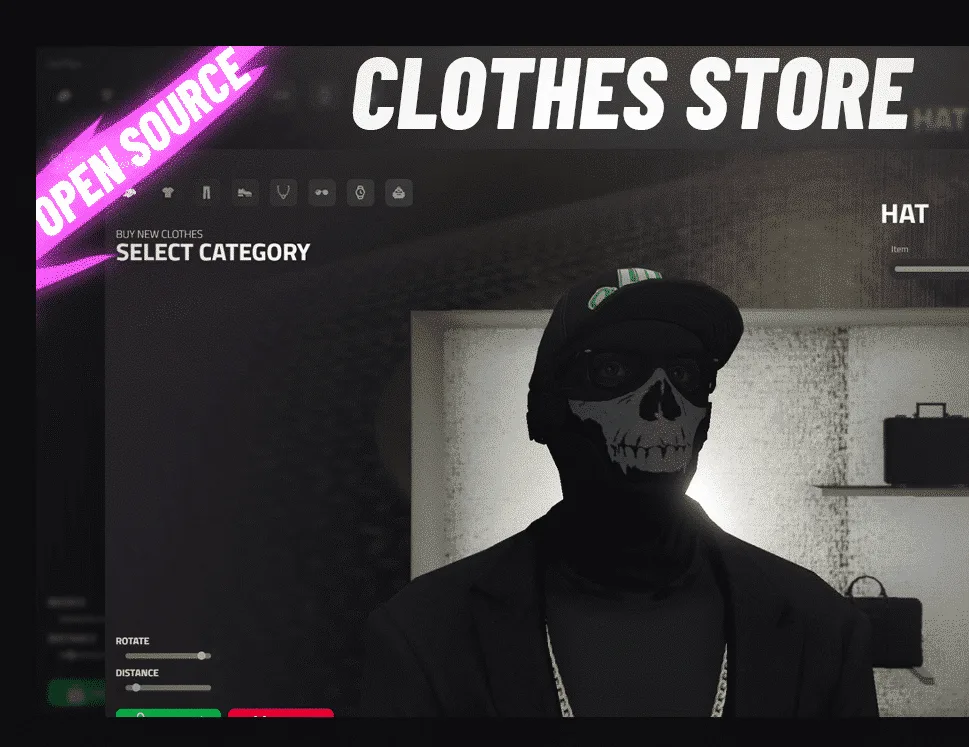
Looking for a FiveM emote menu whose code is fully open? scully_emotemenu by Scully is a free, GPL-3.0 resource on GitHub. It works on any framework because it references none, and it needs only ox_lib, OneSync and server build 7290 or newer. Players open it with /em or F5 and play emotes with /e <name>. You add your own emotes through its client exports instead of editing the shipped data files. We do not sell it and you need nothing from us to use it.
This guide is our own reading of the repository as it stands today; the last commit landed on 10 June 2026 and the manifest reports version 2.1.0. We went through the code but did not run the menu on a live server, so read it as a map of the source rather than a test report.
Install in four steps
- Put the folder in your resources directory and keep its name,
scully_emotemenu.server/version_check.luacompares the folder name with the manifest and stops the resource with an error if they differ. - Make sure
ox_libstarts earlier. The menus, key mappings, radial options and translations all come from it. - Copy
scully_emotemenu.cfgbesideserver.cfg. - In
server.cfg, putexec scully_emotemenu.cfgnear the top, aboveensure scully_emotemenu.
The order in step 4 matters. Each setting is a setr convar, and shared/data/config.lua reads it with GetConvar, falling back to a built-in default. If the cfg runs after the menu starts, your edits are silently ignored.
On start, the same version check fetches a small file from Scully's version_checks repository and prints a console line when a newer version exists.
FiveM emote commands and default keys
These are the values written in scully_emotemenu.cfg:
| What | Default |
| --- | --- |
| Open the menu | /em, /emotemenu, F5 |
| Play an emote | /e, /emote, /eplay |
| Cancel | X |
| Walk style | /w, /walk |
| Facial expression | /f, /face |
| Hands up / point / ragdoll | H / B / U |
| Particle effects | G |
| Stance | left Ctrl |
F5 is attached to the first menu command, and players can reassign it in FiveM's own keybinding screen. Any key set to an empty string is switched off. useCrouchOnly replaces the stance system with a simple crouch. Holding E while an emote is highlighted previews it, and menuPosition moves the menu to any corner.
Settings to review before launch
- Categories off by default: the gang, social-movement, consumable, synchronized and animal sets. NSFW emotes are off too, and
enableNSFWEmotesalso takeslimited, which allows them only for players whoseallowNSFWEmotesstate bag is set. - Limits: while an emote plays a player cannot aim or fire (
enableAimShootBlock) but can still hold a weapon (enableWeaponBlockis false); emotes are allowed in vehicles;emoteCooldownspaces emotes 500 ms apart. - Walk styles:
preventWalkStyleAbusestops walk styles being used to run faster. - Extras: the placement selector, automatic particle effects, the radial menu entries and emote binds are all on.
Walk styles and expressions persist per player through client-side storage. Translations ship for Arabic, German, English, Spanish, French, Japanese and Polish.
Adding custom emotes without touching the data files
Categories live as separate files in shared/data/emotes/: general, prop, dance, synchronized, synchronized dance, consumable, animal and exit. Every emote is one table holding Label (menu text), Command (what follows /e), Dictionary and Animation, plus Options for Duration, Flags like Loop and Move, and Props giving a bone, a model Name and two Placement vectors.
Editing those files works until you update, when they are replaced. A small client script in a resource of your own is safer:
addEmoteToMenu(menuName, emote)oraddEmotesToMenu(menuName, list)appends to an existing category.addEmoteMenuOption({ name, icon, options })inclient/menu.luacreates a new category.registerEmotewithplayRegisteredEmotelets another resource trigger an animation that never appears in the menu.
A catch we found in client/main.lua: addEmoteToMenu finds the category by the label players see, and in 2.1.0 that label moved into the translation files. With English loaded you pass "General Emotes" or "Prop Emotes"; with any other locale, use the translated label.
For animations that are not in the base game, the resource streams .ycd files from stream/[Animations]. The file name minus the extension becomes the Dictionary value; mads@police_reaching_holster.ycd, for example, is used as mads@police_reaching_holster. Put your own files in a stream folder of your resource and reference them the same way. The README also links Scully's converter for emote lists written for dpemotes and its forks.
How it compares, and what else Scully makes
The other names that come up for a FiveM emote menu are dpemotes and its rpemotes forks, community-driven menus with human, animal and prop emotes. scully_emotemenu takes a different route: no framework code at all, ox_lib for its interface, and a cfg file instead of a Lua config. Choose it if you already run ox_lib and want custom emotes kept outside the shipped files.
Two of Scully's paid resources are sold here. Scully Radio v2 is a pma-voice radio with job-locked channels, set up in our Scully Radio v2 guide, and the All In One Menu covers staff tools behind ACE permissions. Neither depends on the emote menu. Everything else is on the Scully studio page.