Most resources on this store will start on a Qbox server, but only a few were written with Qbox in mind. Qbox ships a QBCore compatibility layer: its core resource, qbx_core, declares itself as qb-core and answers the usual exports['qb-core']:GetCoreObject() calls, so a script built for QBCore usually loads. Whether it then behaves depends on what else it expects to find, and Qbox's default install swaps several of those pieces for the ox family. Below, studio by studio, is what each resource does on a Qbox server and what to change.
We read the code in each download and compared it with Qbox's own documentation and its txAdmin recipe. We did not run each resource on a live Qbox server, so treat this as a guide to the files rather than a play test. Where a manifest carries a version number, the verdict is for that build.
The short answer
| Studio | Resource | Qbox in the code | What it needs on Qbox |
|---|---|---|---|
| AK4Y | Spawn Selector V2 | Detects qbx_core, then uses the QBCore layer | ak4y-core; house spawns read qb-houses tables |
| AK4Y | Vending Machines | Through ak4y-core's Qbox module | One-line fix in ak4y-core's shared.lua |
| AK4Y | Advanced Lucky Wheel | No; QBCore mode only | The QBCore layer |
| Pug | Advanced Fishing (1.4.1), Advanced Coke Business, Advanced Car Chopping | No; QBCore or ESX | QBCore mode, ox_target and ox inventory settings; PolyZone for two of them |
| Scully | All In One Menu (1.4) | Needs no framework | ACE groups; one death system only |
| Scully | Radio v2 | No Qbox branch | pma-voice, which Qbox already uses |
| Tugamars | Advanced Whiteboards (1.1.2) | No; QBCore or standalone | Standalone works as shipped |
| VMS | Vehicleshop, Barber, Clothes Store, Tattoo Shop, Gym & Skills, Coin Shop, Spawn Selector, Weaponshop, Documents | No; ESX or QB-Core | Config.Core = "QB-Core" and the QBCore export |
| Kevin Scripts | Every resource sold here | No; QBCore only | qb-target and, for some, qb-menu or ps-ui |
The framework fit for every resource is also on the Qbox resources page.
AK4Y
AK4Y is the only studio here whose code names Qbox. The shared ak4y-core library ships a frameworks/qbox module that talks to qbx_core directly: exports.qbx_core:GetPlayer, GetMoney, RemoveMoney, CreateUseableItem and the QBX.PlayerData module.
Check one thing before relying on it. In the copy we read, the auto-detect table in shared.lua looks for a resource called qbx-core, with a hyphen, but Qbox's resource is qbx_core. Setting Framework = "qbox" in config.lua does not help either, because shared.lua returns early for any value other than auto and never copies the setting across. shared.lua is left out of escrow, so the fix is to change ["qbx-core"] to ["qbx_core"] in that table.
- Advanced Vending Machines does all of its framework work through ak4y-core, so it runs on Qbox's own module once that edit is in.
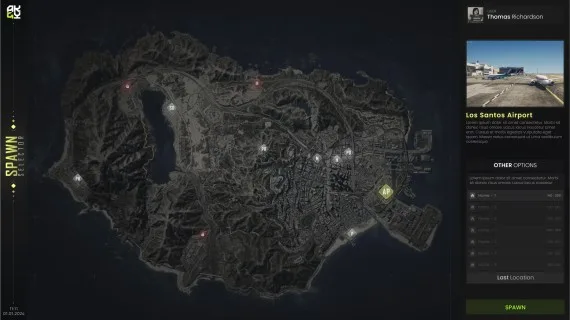
- Spawn Selector V2 checks for
qbx_corefirst ineditable/cl_utils.lua, then fetches the QBCore core object, so on Qbox it runs through the compatibility layer. House spawn points come from theplayer_housesandhouselocationstables. Those belong to qb-houses, and Qbox's recipe installsqbx_propertiesinstead, so the house list stays empty until you point that query at your housing resource. The query sits ineditable/sv_utils.lua, which is open. - Advanced Lucky Wheel takes
qb,esxoroldEsxand has no Qbox value. Useqb. Its admin commands are registered through the QBCore command API.
Pug
Pug's builds sold here take Framework = "QBCore" or "ESX". Advanced Coke Business picks the framework itself by checking GetResourceState('qb-core'). What makes them a good match for Qbox is the rest of the config. Advanced Fishing, Advanced Coke Business and Advanced Car Chopping all accept ox_target, and Fishing and Coke Business take Config.InventoryType = 'ox'. Qbox installs ox_target and ox_inventory by default, so set those two keys before the first start.
Fishing and Car Chopping list PolyZone as a dependency in fxmanifest.lua. Qbox's recipe does not install it, so add it yourself.
The Fishing download is version 1.4.1. Pug released Advanced Fishing 2.0, a rewrite whose thread lists QBox, in August 2025. If you want that build, contact us from the address on your order.
Scully
The All In One Menu (version 1.4) does not touch a framework at all. Permissions are ACE groups (management, staff, police, medical) granted in server.cfg, so it runs the same on Qbox as anywhere else. It has its own death and revive system. Qbox installs qbx_medical, so set EnableDeathSystem = false in config.lua if you keep Qbox's.
Scully Radio v2 looks for qb-core, es_extended or scully_core in functions/framework.lua and falls back to standalone. It has no Qbox branch. Qbox declares itself as qb-core, so the QBCore path is the one to expect. If the radio shows FiveM names instead of character names, that check is the line to look at. pma-voice, the radio's one hard dependency, is already part of a Qbox install. Our radio setup guide covers the rest.
Tugamars
Advanced Whiteboards (version 1.1.2) has two framework settings, qb-core and standalone. Standalone needs nothing and is the simple choice on Qbox. The qb-core setting only adds a usable whiteboard item, and it expects a QBCore object that main/server/framework.lua never creates, so it needs a line added there whatever framework you run. The target setting already accepts ox-target, which is what Qbox uses. The whiteboard guide walks through the config.
VMS
Every VMS download sold here uses the same pattern: Config.Core is "ESX" or "QB-Core", and Config.CoreExport returns the matching core object. None has a Qbox value, so on Qbox set "QB-Core", switch the export line to exports['qb-core']:GetCoreObject(), and swap the ESX event names in the config for their QBCore ones. Gym & Skills (2.0.1) picks the core itself with GetResourceState('qb-core'). If it does not find one on your server, set Config.Core by hand.
Points specific to each resource:
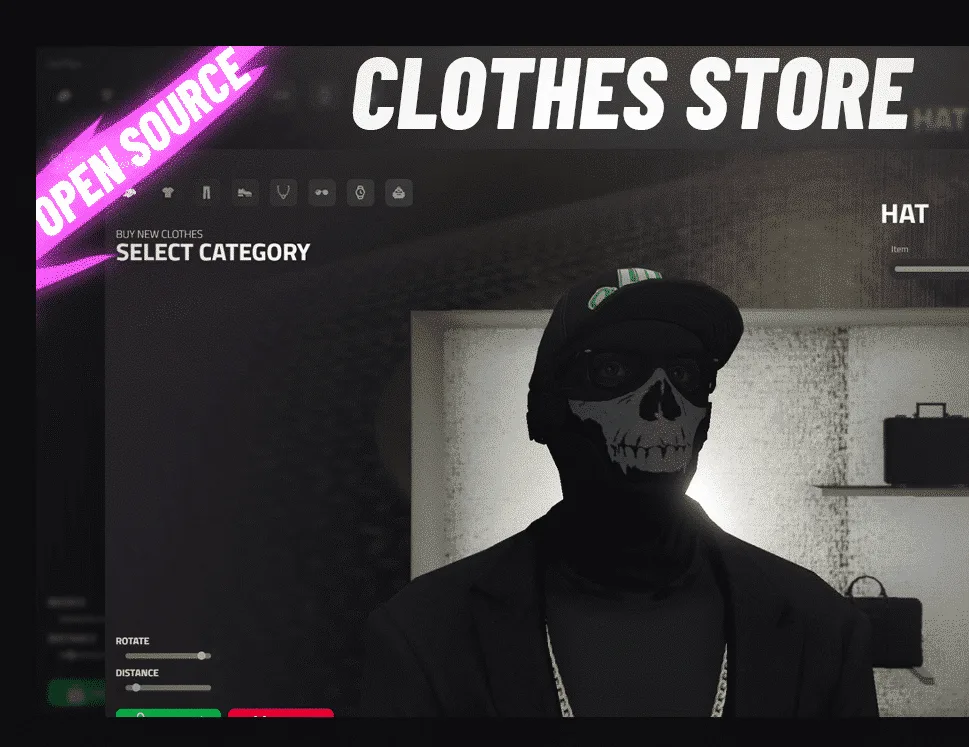
- Clothes Store (1.1.5) lists
illenium-appearanceas aSkinManageroption, and that is the appearance resource Qbox installs. - Barber Shop names
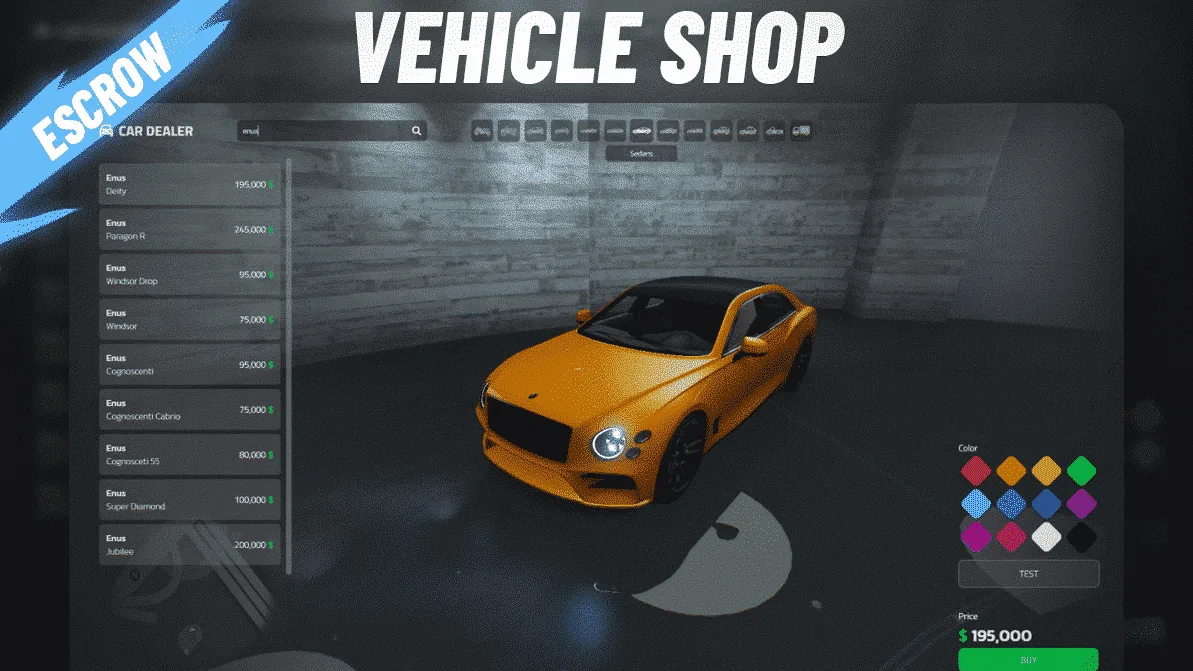
qb-clothingandfivem-appearanceonly, so check how it hands looks to illenium-appearance before going live. - Vehicleshop (1.0.7) and Spawn Selector do the jobs that
qbx_vehicleshopandqbx_spawndo in a stock Qbox install. Remove the stock resource rather than running both. The Spawn Selector build here also keeps the last position on ESX only. - Documents ships separate ESX and QB folders. Use the QB one.
VMS's own newer releases, such as its boss menu, are labelled ESX/QB/QBX on its forum threads. The builds sold here predate that.
Kevin Scripts
Every Kevin Scripts resource sold here is written for QBCore and nothing else. Each file opens with exports['qb-core']:GetCoreObject(), interactions go through qb-target, and Hunting and Bank Truck Robbery open qb-menu. Store Robbery's minigame settings are written for ps-ui. Qbox's layer covers the core object, but its recipe installs none of qb-target, qb-menu or ps-ui, so either add them or move the calls to ox_target and ox_lib. Most also fire qb-inventory's item-box event, which is worth testing with ox_inventory.
Two overlap with Qbox's stock resources: Store Robbery with qbx_storerobbery, and Bank Truck Robbery with qbx_truckrobbery. Run one of each pair. The studio's later releases carry a QBox label, but it has retired the resources sold here, so expect no Qbox update for them.
What to check before moving to Qbox
- List every
qb-resource your scripts call besidesqb-core: targets, menus, inputs, inventories, housing. Qbox's layer stands in for the core, not for those. - Set the ox options where a script has them. Pug's and Tugamars' configs already accept ox_target and ox inventory.
- Remove the duplicates. A stock Qbox server already runs spawn, vehicle shop, medical, store robbery and truck robbery resources.
- Read the framework check. Scripts that call
GetResourceState('qb-core')rely on Qbox'sqb-coredeclaration. If one falls back to standalone or ESX, set the framework in its config by hand. - Convert job grades. Qbox's converting guide notes that grades are numbers in Qbox and strings in QBCore. Any config that locks a feature to a job grade should use the number.
Sources
- Converting from QBCore, Qbox documentation
- Qbox installation guide
- qbx_core manifest on GitHub
- Qbox txAdmin recipe on GitHub
- Advanced Fishing 2.0 release thread, Cfx.re forum (August 2025)
- Advanced Vending Machine System thread, Cfx.re forum (August 2025)
- Most Advanced Whiteboard thread, Cfx.re forum (March 2023)
- vms_bossmenu thread, Cfx.re forum (November 2024)
- Recycling System thread, Cfx.re forum (January 2025)